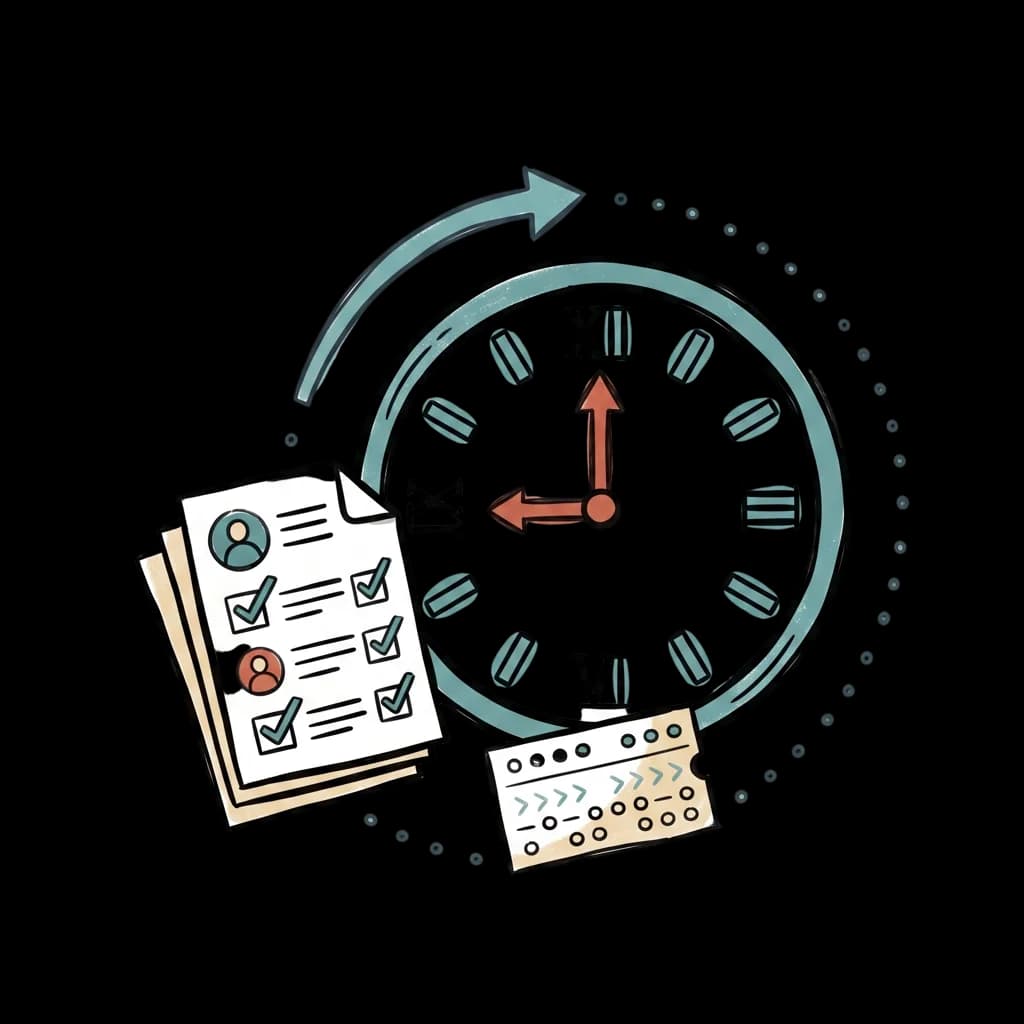
Time & attendance

Attendanceandtimetrackingthatactuallyadds up.

Crew connects to your biometric devices, captures mobile and GPS-based attendance, and sends every hour straight to payroll. No spreadsheets, no end-of-month reconciliation, no missing punches that hold up payday.

Free to start
PKR pricing
Built in Pakistan
AI-native by default
Time & attendance illustration

Clocked in today

39 / 47

Late arrivals

2

Hours this week

1,678

PKRnative

pricing, payslips, statutory deductions

Promptfirst

run workflows in plain English or Urdu

Freeto start

pay per employee per month when ready

Feature

Biometric device integration

Crew connects directly to ZKTeco and Hikvision biometric devices, the most common brands in Pakistani offices, factories, and retail locations. Punches sync to Crew in real time, whether your team uses fingerprint, face recognition, or RFID cards.

  • Set up in minutes, not weeks
  • Works alongside your existing tools
  • Localized for Pakistani teams
Live attendance
ZKTeco · Lahore

In

39

Late

2

Out

6

HI

Hira Iqbal

Biometric

9:02 AM
BA

Bilal Ahmed

Mobile · GPS

9:01 AM
ST

Sana Tariq

Biometric

8:59 AM
AS

Asma Sheikh

Biometric

8:55 AM

Time saved

80+ hrs / year

on average per business

Week · May 4-10
94% covered
Mon
Tue
Wed
Thu
Fri
Sat
Sun
M
M
M
M
M
D
D
D
D
D
E
E
E
E
E
N
N
N
N
N
Morning
Day
Evening
Night

Built for SMBs

Mobile clock-in with GPS and geo-fencing

For field teams, remote employees, and multi-location businesses, Crew's mobile app captures clock-in with GPS. Set up geo-fences around each location and the app only allows clock-ins when an employee is on-site. Optional selfie verification for high-trust roles.

See it in action

Time and attendance, end to end.

Overtime that calculates itself

Configure your overtime rules once: standard hours per day or week, role-specific rates, weekend or holiday multipliers, shift differentials. Every cycle, Crew calculates overtime correctly and pushes it to payroll. No manual math, no disputes.
Shift planning

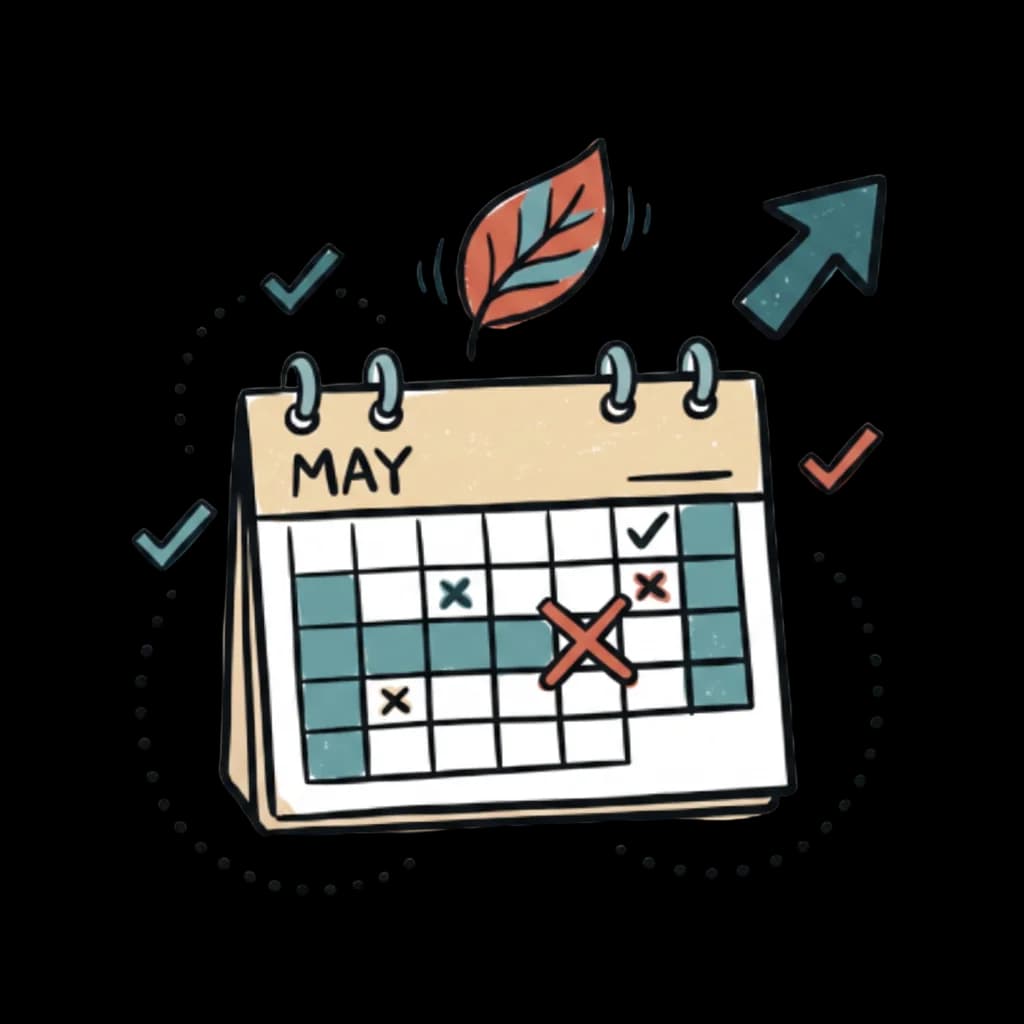
Build weekly rosters in minutes, swap shifts, and see coverage gaps before they hit. Crew supports rotating shifts, split shifts, and night shifts, each with its own overtime rules and pay multipliers.

Attendance reports and exports

Pre-built reports show daily summaries, monthly attendance per employee, late and absent reports, and geo-fence violations. Every report exports to Excel, PDF, or feeds directly into Crew's payroll module.

QR-code attendance

Generate location-specific QR codes employees scan to clock in. Useful for retail, events, and locations without biometric hardware. Each QR code is tied to a location with its own clock-in rules.

Three ways to capture time

Pick the methods that fit your team.

Most Pakistani SMBs run a mix, biometric for office workers, mobile for field teams, manual timesheets for project-based roles. Crew supports all three on the same engine.

1

Biometric devices

Crew connects directly to ZKTeco and Hikvision biometric devices, the most common brands in Pakistani offices, factories, and retail locations. Punches sync to Crew in real time, whether your team uses fingerprint, face recognition, or RFID cards.

2

Mobile clock-in with GPS

For field teams, remote employees, and multi-location businesses, Crew's mobile app captures clock-in with GPS. Set up geo-fences around each location, and the app only allows clock-ins when an employee is on-site.

3

Manual timesheets

For office workers, contractors, and project-based teams, Crew supports timesheet entry in the web app or mobile. Timesheets can be approved by managers and tagged to projects, departments, or clients.

End of an era

When attendance sheets in Excel stop working.

Excel works for the first few employees. Past about 10, you'll spend a full day a month maintaining the sheet, and longer if you have shift workers or biometric data to import. Common breakages:

  • Formulas break when someone resizes a row or copies a wrong cell
  • Two people editing the same sheet creates conflicts
  • Importing biometric data requires manual cleanup every cycle
  • Overtime calculations get inconsistent across employees
  • No audit trail when someone disputes their hours

How it works

From setup to running, in three steps.

1

Pick how your team checks in

Biometric devices, mobile clock-in with GPS, or web timesheets. Mix methods per role, biometric for office workers, mobile for field teams.

2

Hours flow in live

Punches sync to Crew in real time. Overtime, weekend, and shift rules apply automatically as hours come in.

3

Approve and pay

Managers approve hours from email or mobile; payroll picks them up automatically next cycle. No manual exports, no reconciliation.

Saved over 80 hours a year

“Payroll used to take at least one full day per month. We’re able to run payroll bi-weekly now, which takes us less than an hour each month.”

Syed Ali Rizvi

Founder, alphathree.co

Frequently asked

Time & attendance questions, answered.

Does Crew work with my biometric attendance machine?+
Crew integrates directly with ZKTeco and Hikvision devices, the most common biometric brands in Pakistan. Most other major brands are also supported. If you're not sure, contact us with your device model and we'll confirm.
Can employees clock in from their phone?+
Yes. Crew's mobile app supports clock-in with GPS verification and geo-fencing. You define the work location boundary; the app only allows clock-ins when employees are within it.
How does Crew handle overtime calculation?+
Crew calculates overtime automatically based on rules you configure: daily or weekly thresholds, role-specific rates, weekend or holiday multipliers, and shift differentials. Overtime flows directly into payroll.
Can I track attendance for shift workers?+
Yes. Crew supports complex shift patterns including rotating shifts, split shifts, and night shifts. Each shift can have its own overtime rules and pay multipliers.
What's the difference between biometric and mobile attendance?+
Biometric attendance uses a physical device at your location for fingerprint, face, or card-based punch-in. Mobile attendance uses an app on each employee's phone with GPS verification. Most Pakistani SMBs use both, biometric for office workers, mobile for field teams.
Can I export attendance to Excel?+
Yes. Every attendance report exports to Excel, PDF, or CSV. You can also schedule automated exports, for example, a weekly Excel report sent to your finance team every Monday morning.
How do I create a QR code for attendance?+
Crew can generate location-specific QR codes that employees scan to clock in. Useful for retail, events, and locations without biometric hardware. Each QR code is tied to a location and can have its own clock-in rules.

See if Crew fits your business.

Start free. Add a few employees. Run a payroll. Decide for yourself.